Configure your working environment
Consider suggestion behavior, language preferences and sensitive context using settings supported by your actual client.
Decide how assistance should appear
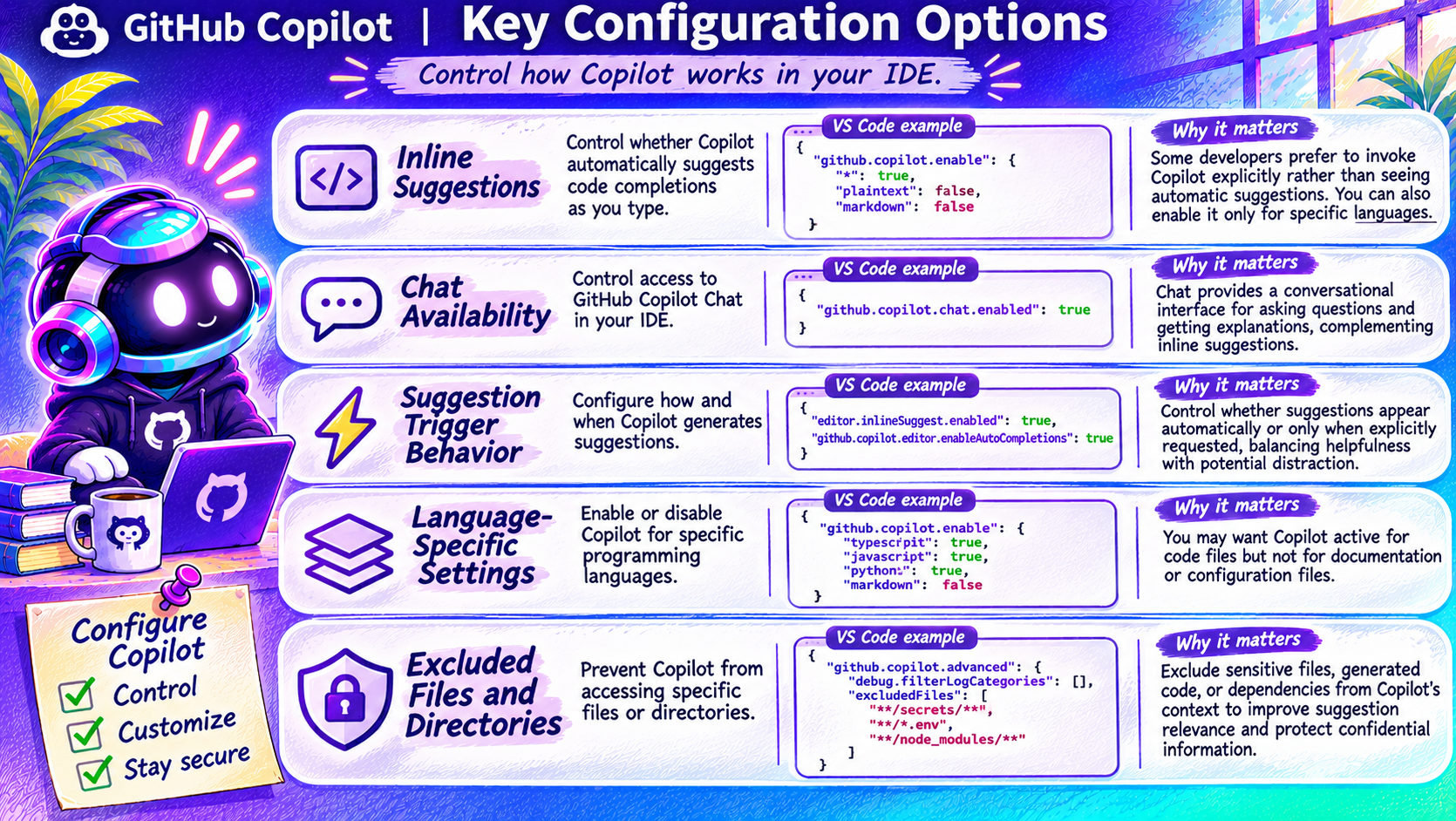
The infographic groups configuration into inline suggestions, chat availability, suggestion triggers, language-specific behavior and excluded content. These questions help you choose an experience that supports your concentration.
Do you want automatic inline completions or explicit invocation? Which languages need assistance? Which project data should not be available to the assistant?
Do not paste the pictured settings blindly
The JSON keys shown in the artwork have not all been verified as supported settings for every client/version. Use your installed editor's Settings interface and its current reference. IDE settings do not automatically configure the CLI, app or cloud environment.
Custom instructions guide agent behavior; the VS Code documentation explicitly says they do not apply to inline suggestions.
Protect sensitive information independently
Do not rely on a pictured exclude list as your only security control. Avoid committing secrets, limit accessible data and verify content-exclusion support for the exact experience in use. Permission and policy controls must be tested separately from preference settings.
Read the VS Code instruction guidance before deciding which customization mechanism to use.