Chapter 21: Establish On-going Verification Loops
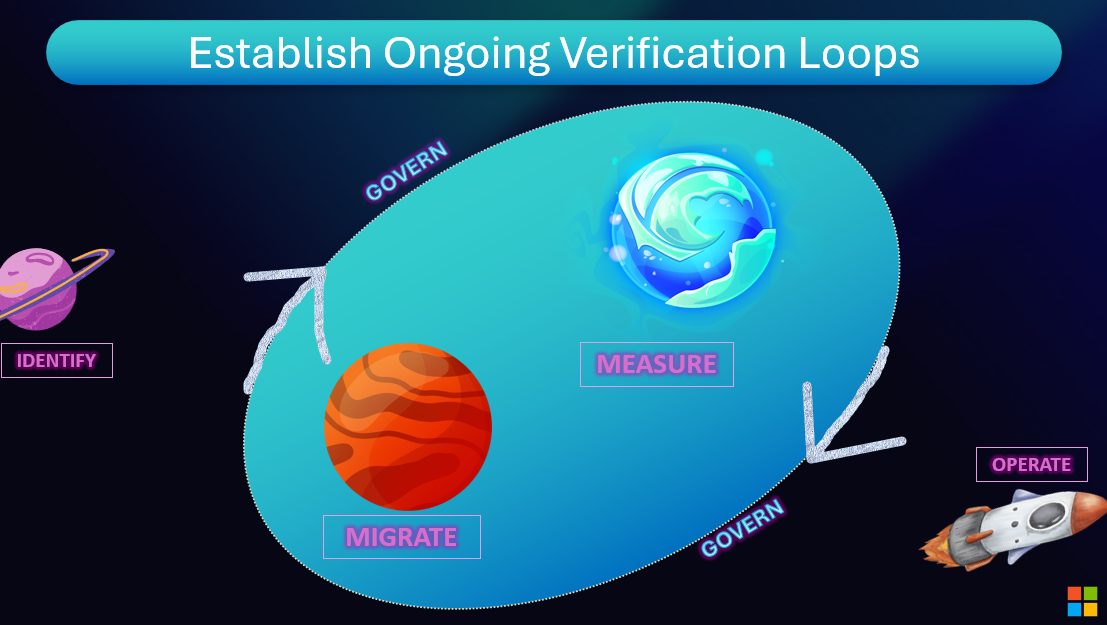
Overview
Powers visibility, monitoring and optimization across the entire AI development lifecycle. The bottom line is that measurement is critical to iterative development and getting apps into production.
Periodic Audits: Review agent behaviour regularly, not just after incidents. Use agentic automated tools and human review.
Incident Response Integration: When agents go off-script, the process for root cause analysis and correction must be as robust as incident management for production systems.
Reward Learning: Incentivize agents (via their optimization objectives) to not just maximize task outcomes, but also minimize negative feedback and override rates.
Building Verification Loops
Ongoing verification transforms one-time testing into continuous quality assurance:
- Scheduled Evaluations: Automated quality checks run daily or weekly
- Production Monitoring: Real-time evaluation of live traffic
- Feedback Integration: User corrections and ratings feed back into evaluation
- Regression Alerts: Notify teams when metrics degrade
- Root Cause Analysis: Link evaluation failures to specific system changes
Azure AI Foundry Verification Tools
Azure provides comprehensive ongoing verification capabilities:
- Evaluation Pipelines: Schedule automated evaluations in Azure AI Foundry
- Application Insights: Continuous monitoring with custom metrics and alerts
- GitHub Actions: Integrate verification into CI/CD workflows
- Feedback APIs: Capture user feedback programmatically
Verification loops close the quality feedback cycle—measure, learn, improve, repeat. With Azure's monitoring and GitHub's automation, verification becomes continuous rather than episodic.
Resources and Further Reading
Online Resources
Next Steps
Continue your learning journey:
Questions or feedback? Join the discussion on our GitHub repository or connect with the community.