Agent Mode in Practice
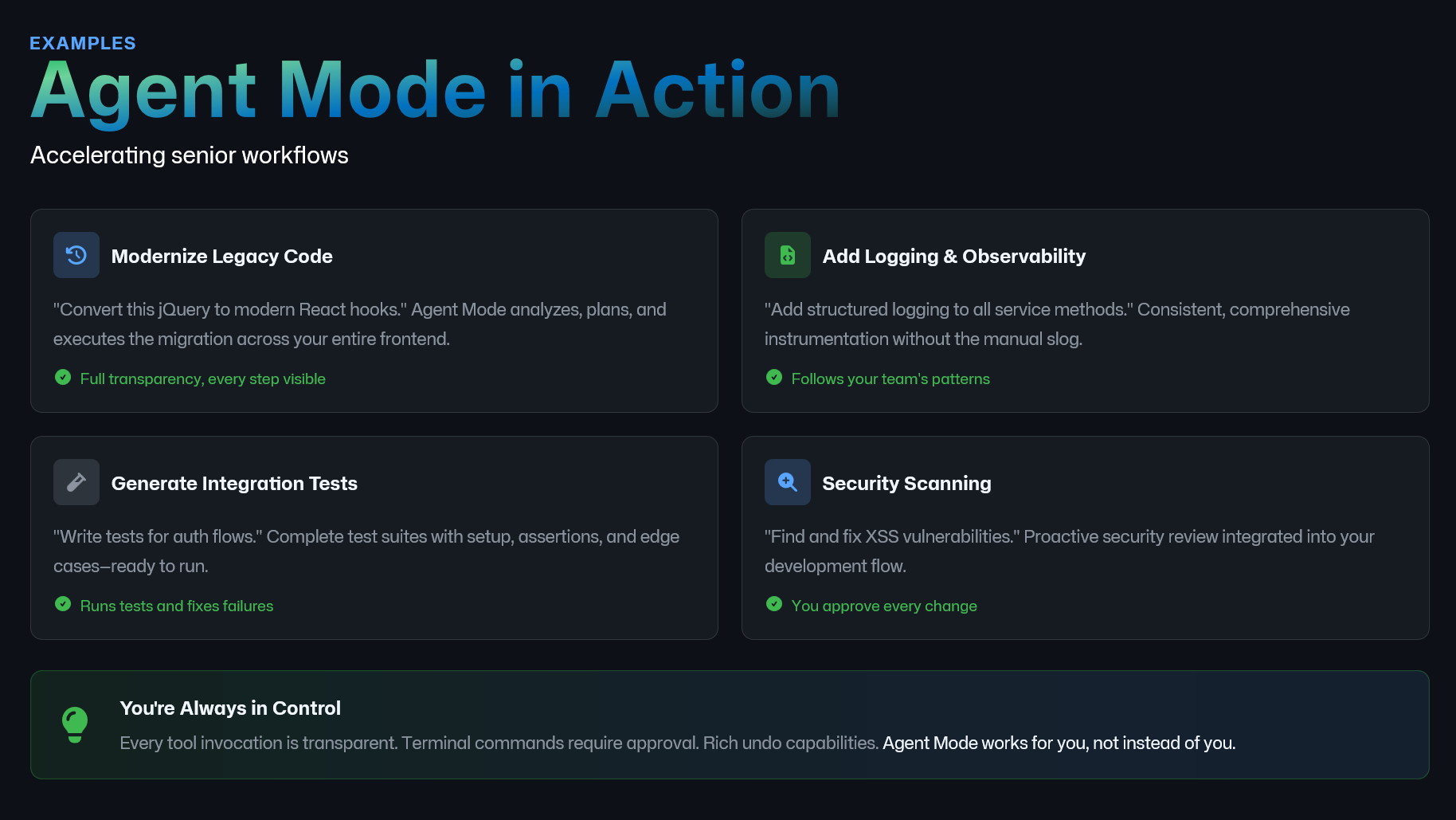
This slide is here to make Agent Mode concrete.
Agent Mode is not just ‘write me some code.’ It is a workflow accelerator for the kinds of tasks senior engineers do all the time, the ones that are important, cross cutting, and honestly a bit exhausting.
Here are four examples where it shines.
Modernize legacy code. This is the classic migration work: converting older patterns to modern ones, like moving jQuery style logic to component based patterns, or upgrading a framework API across many files. The key benefit is transparency. You can see every step, review diffs as it goes, and stop it if it drifts.
Add logging and observability. A lot of teams want structured logs, consistent correlation IDs, and better tracing, but it is tedious to roll out. Agent mode can apply the pattern everywhere, following your team’s conventions, which is the difference between ‘we should do this’ and actually doing it.
Generate integration tests. If you say ‘write tests for auth flows,’ agent mode can set up the scaffolding, add assertions, cover edge cases, and even run the tests and fix failures. That is a direct quality and confidence multiplier.
Security scanning. This is not a magic security guarantee, but it is a proactive review partner. It can help find common classes of issues, propose mitigations, and apply fixes consistently. And the important line here is: you approve every change.
And that is the bottom banner. You are always in control. Every tool invocation is visible. Commands require approval. There are undo capabilities. Agent mode works for you, not instead of you.
Next, I’ll show a real example end to end so you can see what ‘in control’ looks like in practice.