Agent Mode - Multi-Step Work
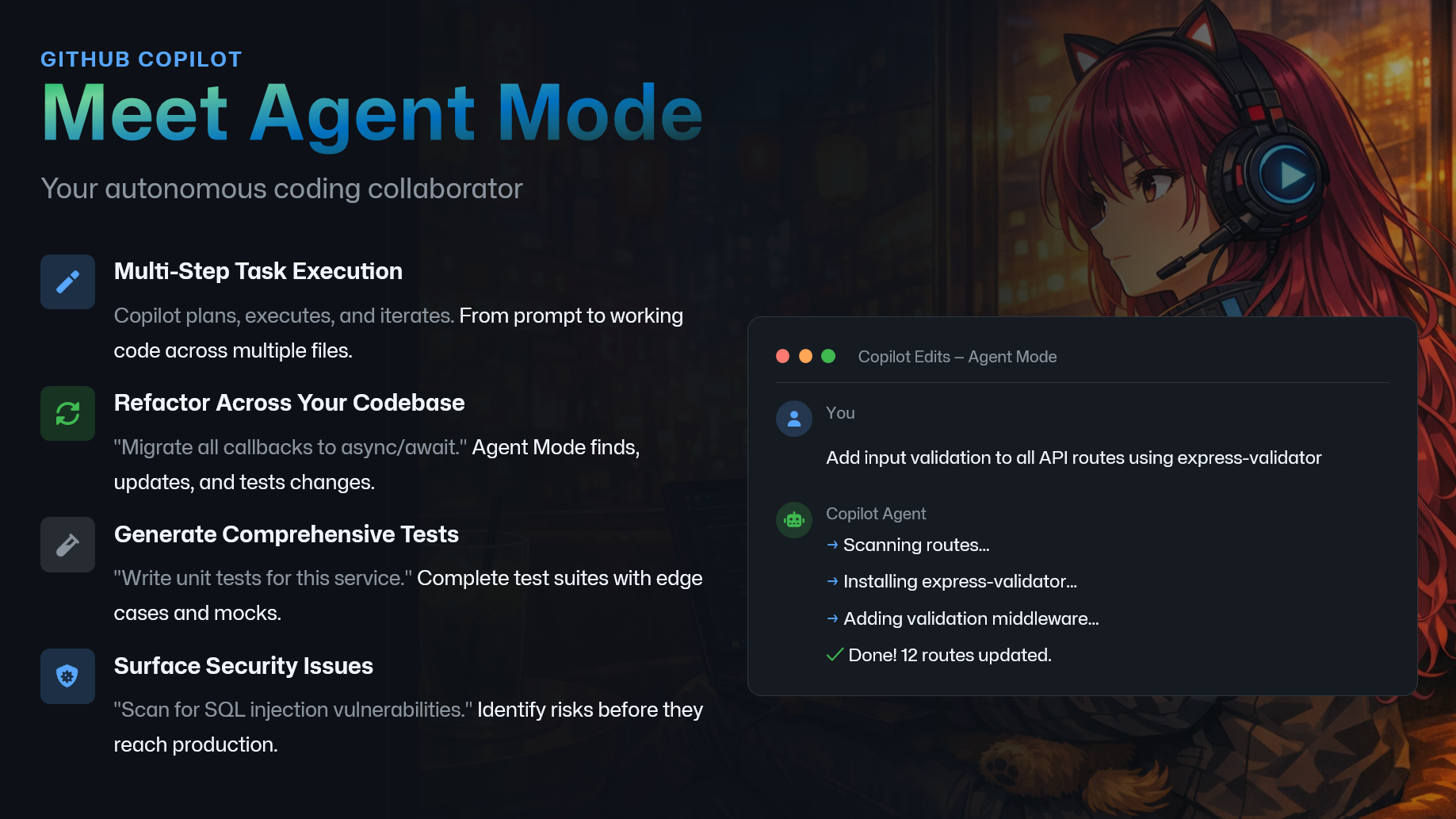
Alright, we have covered Plan Mode and Ask Mode. Now let’s meet Agent Mode.
Agent Mode is what you use when the work is not a single question and not a single edit. It is multi step work that spans files, requires iteration, and usually includes some form of verification.
Think of it as your autonomous coding collaborator. You give it a goal, and it can plan, execute, and iterate from prompt to working code across multiple files.
Agent Mode reduces burnout by taking the highest cognitive load parts of multi file work and turning them into a guided, verifiable workflow you still control.
It Reduces context switching
It can traverse files, follow call chains, and keep the “working set” in view You stop paying the mental tax of reopening tabs, reloading context, and reorienting every few minutes Shrinks “unknowns” early
It proposes a plan, identifies dependencies, and surfaces missing decisions Less ambiguity means less rework and fewer late surprises Offloads repetitive mechanical labor
Bulk refactors, consistent renames, updating deprecated APIs, boilerplate wiring You focus on the decisions and architecture, not the grind Keeps momentum through iteration
It can make a change, run checks, respond to failures, and adjust That prevents the stop start rhythm that exhausts people Improves quality and confidence with verification
Suggests tests, edge cases, and regression coverage as part of the change Fewer production fires means fewer after hours emergencies Protects seniors from becoming the default bottleneck
More people can progress independently with a “second brain” that handles legwork Seniors spend more time on high leverage design and review, less on constant rescue missions Makes work feel bounded and controllable
Clear acceptance criteria, clear diffs, clear rollback points Feeling in control is a direct antidote to burnout pressure Rule zero still applies: you review changes, run tests, and own the architecture, but Agent Mode reduces the mental load required to get from idea to verified code.
Here are the kinds of problems it is great at.
First: multi step task execution. If a change touches routing, auth, config, and docs, agent mode can walk the graph and keep track of the moving parts so you do not have to juggle everything in your head.
Second: refactoring across your codebase. Things like migrating callbacks to async await, renaming a public API consistently, or updating deprecated library usage across many modules. These are important, but they are draining. Agent mode can do the repetitive part while you focus on the decisions.
Third: generating comprehensive tests. This is one of my favorite uses because tests are where quality and confidence live. Agent mode can propose a full suite with edge cases and mocks, then you review and tune.
And fourth: surfacing security issues. Not by magically guaranteeing security, but by helping you look for common risk patterns and adding guardrails earlier, before problems reach production.
Now, quick reminder from rule zero. You own the code. Agent mode can do a lot, but you still review every change, you run the tests, and you confirm the architecture is still sane.
In the next demo, I’ll show what it looks like to hand a real, multi file task to agent mode, and how to keep it safe with tight constraints and clear acceptance criteria.