Chapter 1 - Write a Well-Formed Issue
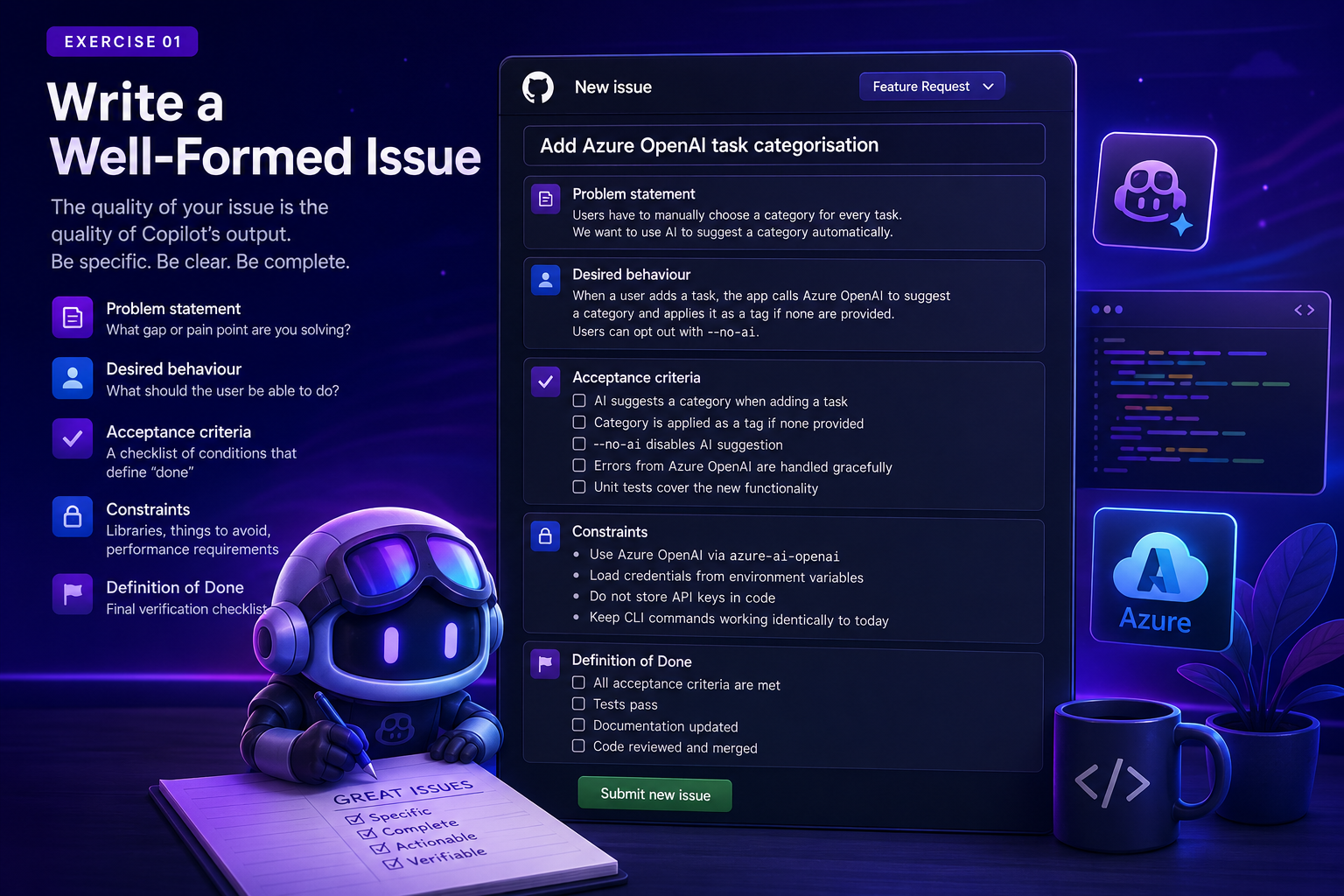
A strong issue is the single highest-leverage input in the AI-native loop. In practice, your issue becomes the spec, prompt, and success contract all at once.
Goal
Learn to write GitHub Issues that give Copilot the context it needs to produce high-quality code, then write and submit a real issue in your forked repository.
Why prompt quality matters in issues
When Copilot reads an issue, it converts natural language into engineering actions: files to inspect, APIs to call, tests to update, and constraints to obey. If your intent is vague, the implementation will be too.
Key insight: you are not just describing a task for a human teammate. You are writing a specification that an AI agent will interpret and act on immediately.
Use this structure every time:
- Problem statement: what pain exists today?
- Desired behavior: what should users experience when done?
- Acceptance criteria: how will we verify success?
- Constraints: which libraries/patterns must or must not be used?
- Definition of done: what final checks are mandatory?
Worked issue example (Option C: search command)
Title
Add search command for task name/description with priority-ranked results
Problem statement
Users can add and list tasks, but cannot quickly find a specific task when the list grows.
Desired behavior
A user can run python app.py search "keyword" to find matching tasks by name or description. Results should show high-priority tasks first and make matches easy to spot.
Acceptance criteria
- Add
searchcommand to CLI with a requiredkeywordargument - Match against task
nameanddescription(case-insensitive) - Sort matches by priority order:
high,medium,low - Highlight matching text in output
- Return a clear message if no tasks match
- Add tests for exact match, partial match, and no-match scenarios
Constraints
- Reuse existing output style with
rich - Do not change task schema
- Keep existing commands unchanged
Definition of done
- Existing tests pass
- New search tests pass
- Manual run demonstrates ranking and highlighting behavior
Common mistakes
- Requirements are implied, not explicit
- Bad: "Add search support"
- Better: include matching rules, sorting, display behavior, and test expectations.
- No constraints on dependencies or architecture
- This leads to unnecessary package additions or invasive refactors.
- No edge cases in acceptance criteria
- Include empty input handling, no-results behavior, and invalid values.
- Done criteria are missing verification steps
- Always require tests and a concrete manual check.
Your Task
- Go to the Issues tab in your forked repository.
- Click New issue and choose the Feature Request template.
- Write an issue for one of the following features:
Option A - Migrate task storage to Azure Table Storage
The app currently stores tasks in a local JSON file. Migrate the storage layer to Azure Table Storage so tasks are persisted in the cloud. Use
azure-data-tablesand load credentials from environment variables. (This option is explored in full detail in Chapter 5 if you want to tackle it as a stretch goal.)
Option B - Add Azure OpenAI task categorisation
When a user adds a task, call Azure OpenAI to automatically suggest a category (e.g. "work", "personal", "health") and set it as a tag if none are provided. The user should be able to opt out with a flag. (Also explored fully in Chapter 5.)
Option C - Add a search command
Users should be able to run
python app.py search "keyword"to find tasks whose name or description contains the keyword. Results should be ranked by priority (high first) and highlight the match. Use the worked example above as your template.
Option D - Add recurring tasks
Users should be able to mark a task as recurring with
--repeat daily|weekly|monthly. When a recurring task is completed, a new copy should be automatically created with the next due date calculated from the repeat interval.
- Fill in every section of the template. Do not leave any section empty.
- Submit the issue.
Recommended for your first pass
Option C (search) is the most self-contained and a great first issue to write, since the worked example above walks you through the full structure. Save Options A and B for Chapter 5 if you want the stretch challenge.
Reflection Questions
- How specific did you have to be to clearly describe "done"?
- What information would Copilot need that a human teammate might already know?
- Did writing the acceptance criteria help you clarify your own thinking about the feature?
Next Step
Once you've written your issue, move on to Chapter 2 - Assign to Copilot.