Less friction, more flow
A student day with GitHub and GitHub Copilot

It is 8:15 am. Alex is on the bus, the group chat has 37 unread messages, a JavaScript exercise is unfinished, and a shift starts at five. The group assignment is due soon. Where do you start?
This workshop follows one student through seven everyday moments. You will use GitHub and Copilot to reduce the effort of getting started, switching context, learning something unfamiliar, and finishing work with other people.
You are not trying to automate being a student. You are making room to learn.
What you will make
Your team is building a student survival hub: a MkDocs site with campus information and a JavaScript study planner, published through GitHub Pages. The starter already works. Your contribution makes it more useful.
The primary path is coding: understand a codebase, plan a feature, implement it, reproduce a bug, add a test, and review and publish changes.
Every scene also has a non-coding alternative contributing to the same hub: research synthesis, content, budget analysis, or usability review. You can stay on one path or switch. Both paths require evidence and human judgement.
The day at a glance
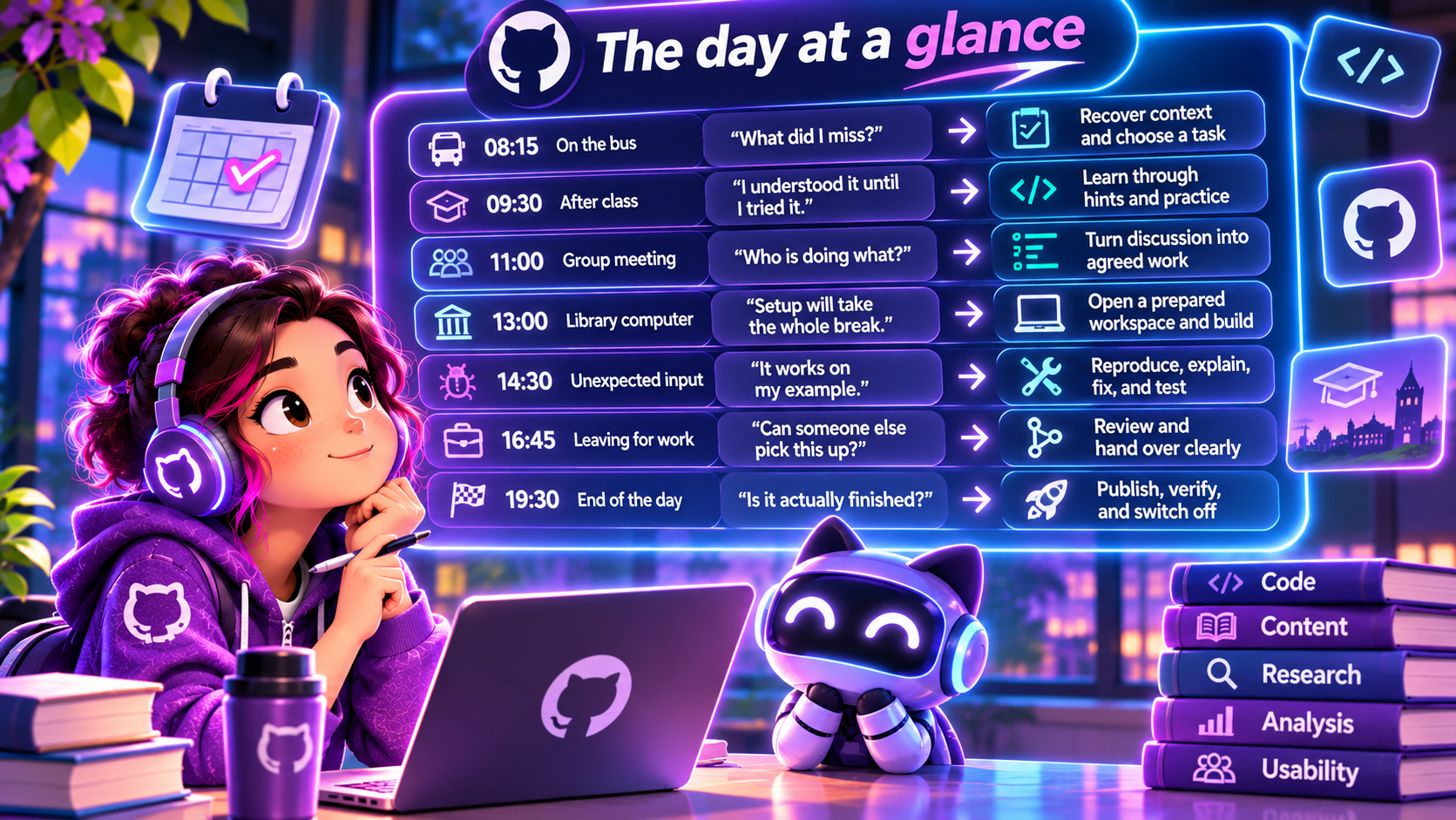
| Alex's day | The friction | The useful change |
|---|---|---|
| 08:15, on the bus | "What did I miss?" | Recover context and choose a task |
| 09:30, after class | "I understood it until I tried it" | Learn through hints and practice |
| 11:00, group meeting | "Who is doing what?" | Turn discussion into agreed work |
| 13:00, library computer | "Setup will take the whole break" | Open a prepared workspace and build |
| 14:30, unexpected input | "It works on my example" | Reproduce, explain, fix, and test |
| 16:45, leaving for work | "Can someone else pick this up?" | Review and hand over clearly |
| 19:30, end of the day | "Is it actually finished?" | Publish, verify, and switch off |
Workshop outcomes
Leave with a checked contribution, a reviewed handoff, and a workflow you can reuse. You should be able to explain what Copilot helped with, what you changed, and what you independently verified.
The full workshop takes 120 minutes. A 90-minute route uses a paired debugging exercise and a facilitator-led deployment. See the facilitator runbook for timings.